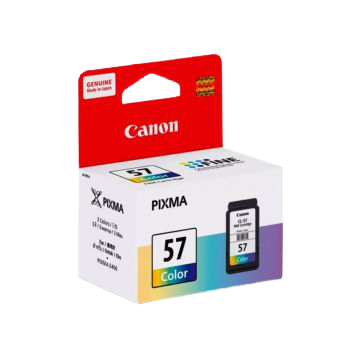
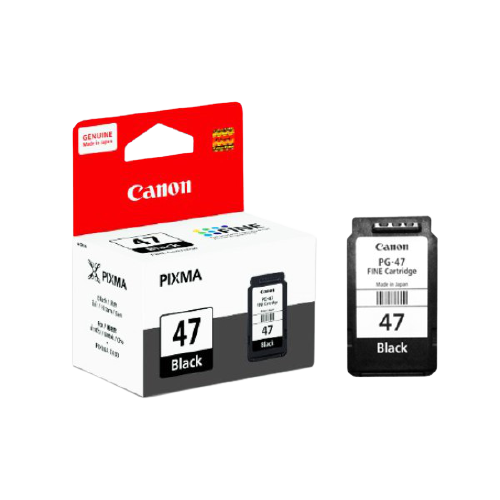
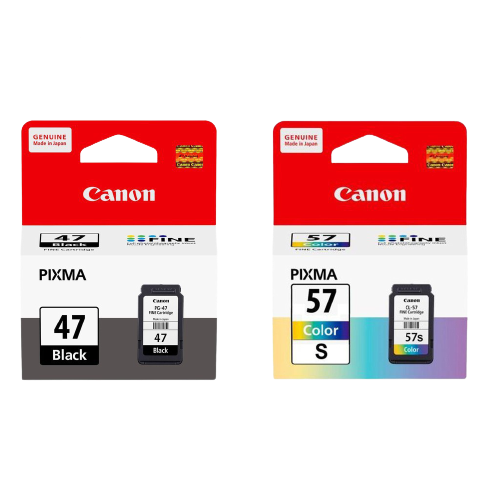
Canon PG 57 Cartridge and PG-47 Cartridges
Overview
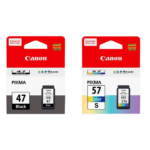
The Canon PG-57 and PG-47 cartridges are designed to provide high-quality prints with exceptional reliability. Whether you need vibrant color prints or sharp black text, these cartridges are perfect for a variety of printing needs. Compatible with multiple Canon PIXMA models, they offer an easy and efficient solution for both home and office printing.
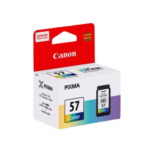
PG-57 Cartridge
| Feature | Details |
|---|---|
| Color | Color Ink |
| Page Yield | Up to 300 pages |
| Ink Capacity | 13ml |
| Compatible Models | CANON PIXMA E3170/E3177/E400/E410/E417/E460/E470/E477/E480 |
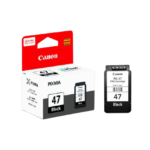
PG-47 Cartridge
| Feature | Details |
|---|---|
| Color | Black Ink |
| Ink Type | Pigment Ink |
| Page Yield | Up to 400 pages |
| Ink Capacity | 15ml |
| Compatible Models | CANON PIXMA E3170/E3177/E400/E410/E417/E460/E470/E477/E480 |
Usage Instructions
For optimal performance, follow these steps when using your Canon PG-57 or PG-47 cartridge:
- Ensure your printer is powered on and open the front cover.
- Remove the old cartridge by gently pushing it down and pulling it out.
- Unpack the new cartridge and remove any protective tapes.
- Insert the new cartridge into the corresponding slot until it clicks into place.
- Close the front cover and run a test print to ensure proper installation.
FAQs
Q: How do I know when to replace my cartridge?
A: You may notice faded prints or receive a low ink warning from your printer. These are indications that it’s time to replace your cartridge.
Q: Can I use these cartridges with other printer models?
A: These cartridges are specifically designed for the compatible Canon PIXMA models listed in the specifications. Using them with other models may result in improper performance.
Q: How should I store my cartridges?
A: Store cartridges in a cool, dry place, away from direct sunlight and extreme temperatures to maintain their quality.
Q: What should I do if my printer doesn’t recognize the new cartridge?
A: Make sure the cartridge is properly installed and all protective tapes are removed. If the issue persists, try restarting your printer or consulting the user manual for troubleshooting steps.

Reviews
Clear filtersThere are no reviews yet.