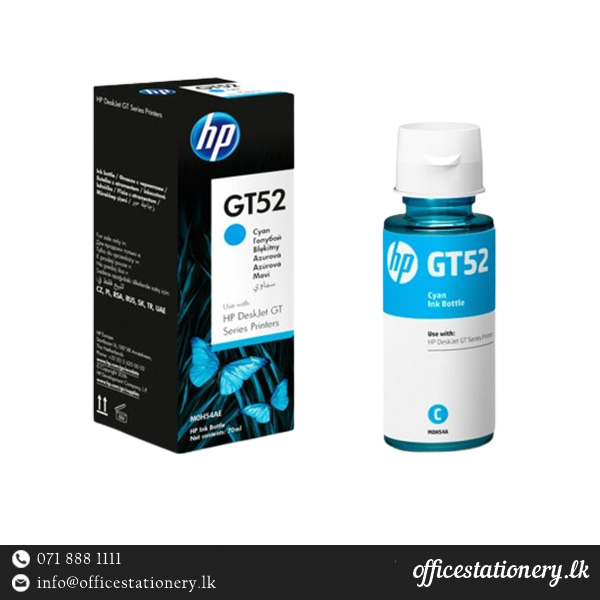
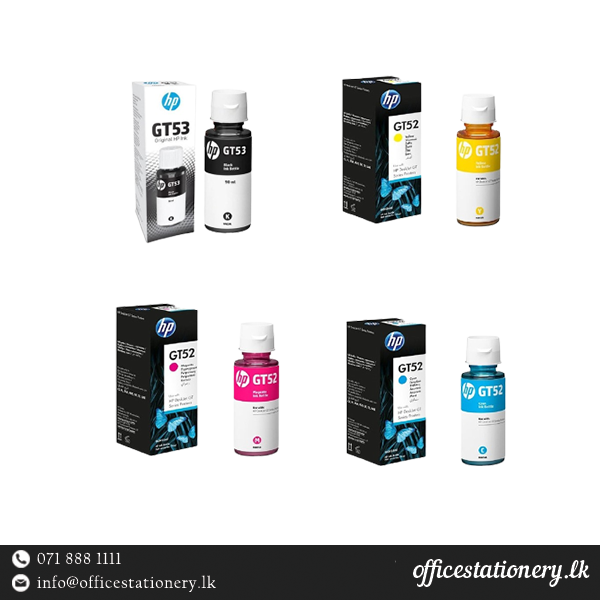
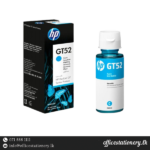
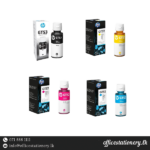
HP GT52 Cyan Ink
Overview
The HP GT52 Cyan Ink is designed to deliver vibrant cyan color prints with exceptional quality and reliability. Ideal for a range of HP printers, it ensures consistent performance and long-lasting results.
Product Specifications
| Feature | Details |
|---|---|
| Brand | HP |
| Ink Colour | Cyan |
| Page Yield / Print Volume | 8000 pages |
| Type | Ink Tank |
| Compatible Devices | HP Printer |
| Capacity | Â 90ml |
| Ink Type | Pigment |
| Compatible HP Printers | DeskJet GT 5810 All-in-One Printer, DeskJet GT 5820 AiO Printer, DeskJet GT 5811 AiO Printer, DeskJet GT 5821 AiO Printer, Ink Tank WL 415 AiO Printer, Ink Tank WL 418 AiO Printer, Ink Tank 315 AiO Printer, Ink Tank 318 AiO Printer, Ink Tank WL 419 AiO Printer, Ink Tank 319 AiO Printer, Ink Tank WL 410 AiO Printer, Ink Tank 310 AiO Printer |
| Dimension (W x D x H) | 47 x 47 x 150 mm |
| Weight | 0.13 kg |
The HP GT52 Cyan Ink offers a page yield of approximately 6000 pages per refill, making it a cost-effective choice for high-volume printing needs. It features pigment-based ink, known for its durability and resistance to fading, ensuring your documents and photos maintain their vibrancy over time.
Usage Instructions
To refill your compatible HP printer, simply insert the HP GT52 Cyan Ink tank into the designated ink slot. Ensure the printer is turned off during installation to prevent any mishaps. Follow your printer’s manual for detailed instructions on the refill process.
FAQs
Q: What printers are compatible with HP GT52 Cyan Ink?
A: The HP GT52 Cyan Ink is compatible with HP DeskJet GT 5810, GT 5820, GT 5811, GT 5821, Ink Tank WL 415, WL 418, 315, 318, WL 419, 319, WL 410, and 310 All-in-One printers.