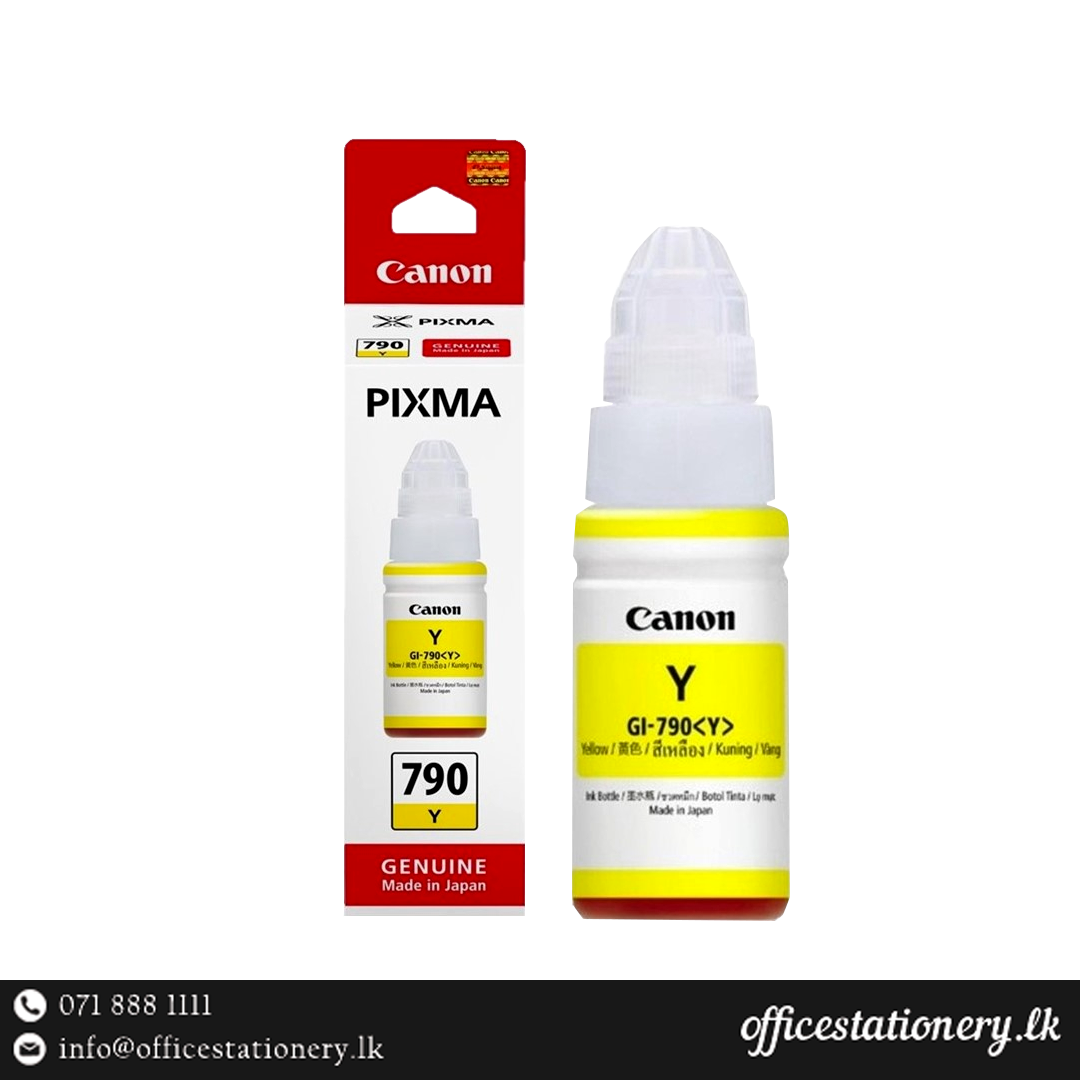
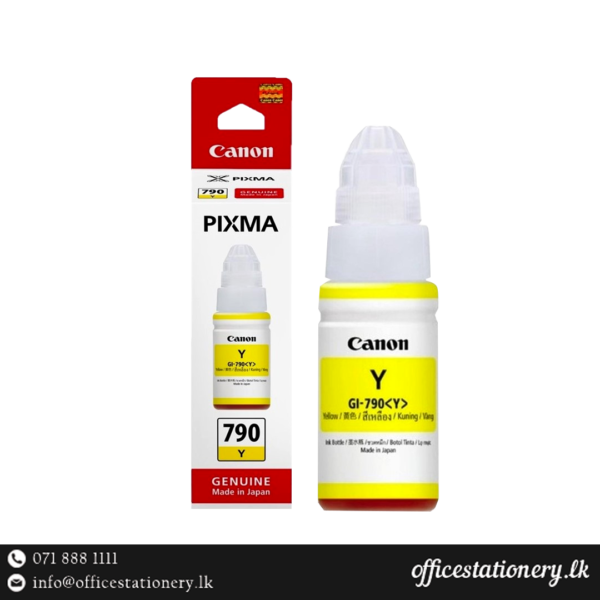
Canon GI 790 Yellow Ink
Overview
Enhance your printing capabilities with the Canon GI 790 Yellow Ink. This high-quality ink is designed to deliver vibrant yellow tones, ensuring your prints stand out with clarity and precision.
Product Specifications
| Feature | Details |
|---|---|
| Brand | Canon |
| Ink Colour | Yellow |
| Model | GI790 Pixma Ink |
| Page Yield | ~7000 pages |
| Capacity | 70ml |
| Compatible PrinterCompatible Printer | Canon Pixma G1000, G2000, G3000 PrintersCanon Pixma G1000, G2000, G3000 Printers |
| OutputOutput | High quality & long lasting prints, Low printing costHigh quality & long lasting prints, Low printing cost |
The Canon GI 790 Yellow Ink is specifically formulated for use with Canon Pixma G1000, G2000, and G3000 printers. It offers an impressive page yield of approximately 7000 pages, making it suitable for both home and office environments with high printing demands.
Usage Instructions
To replace the ink cartridge, ensure your printer is turned off. Open the printer cover and carefully remove the empty ink cartridge. Insert the new Canon 790 Yellow Ink cartridge into the designated slot until it clicks into place. Close the printer cover and power on your printer. Follow your printer’s instructions for ink cartridge alignment if necessary.
FAQs
Q: What printers are compatible with the Canon GI 790 Yellow Ink?
A: The Canon 790 Yellow Ink is compatible with Canon Pixma G1000, G2000, and G3000 printers.
Q: How many pages can the Canon GI 790 Yellow Ink print?
A: It has a page yield of approximately 7000 pages.
Q: Is the ink suitable for high-quality prints?
A: Yes, the Canon GI 790 Yellow Ink ensures high-quality, long-lasting prints with low printing costs.