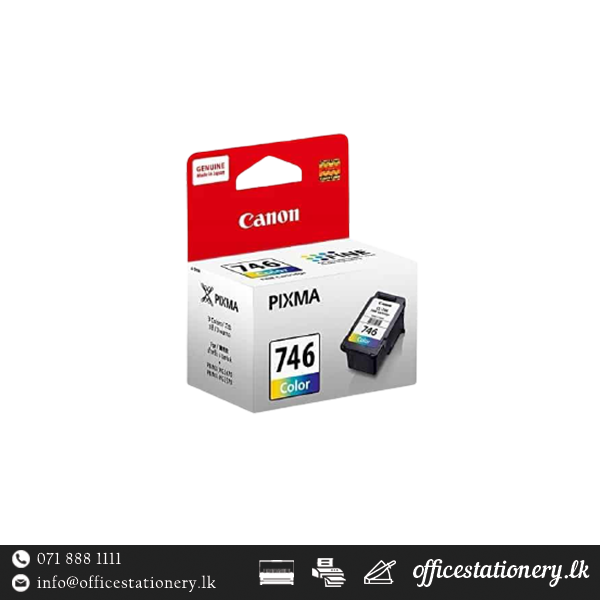
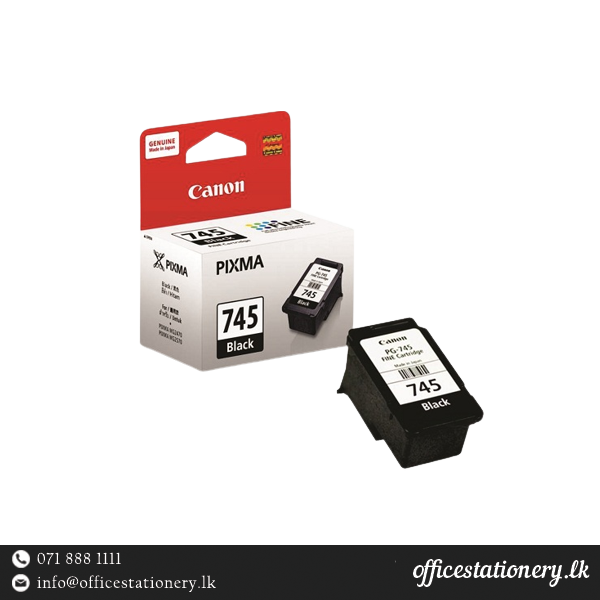
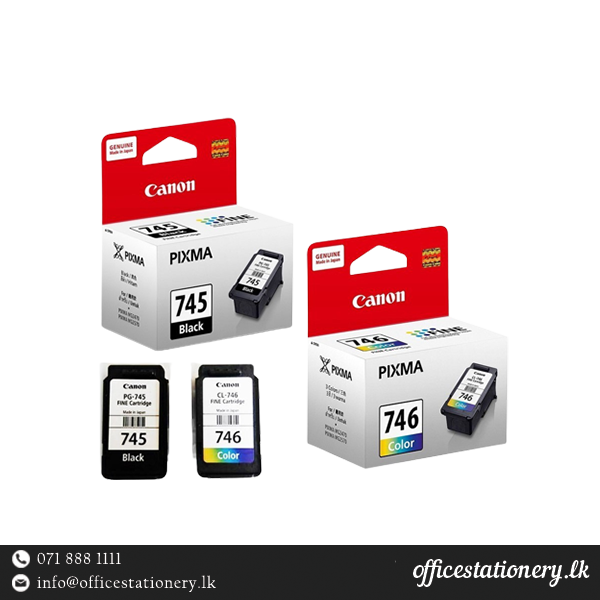
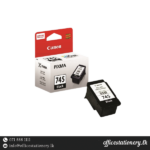
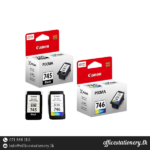
Canon Pg 746 Colour Cartridge
Overview
The Canon Pg 746 Colour Cartridge is designed to provide vibrant and reliable color prints for a variety of Canon Pixma printers. With a page yield of 180 pages and an ink volume of 9 ml, it ensures consistent print quality and performance.
Product Specifications
| Feature | Details |
|---|---|
| Model | Canon Pg 746 Colour Cartridge |
| Cartridge Color | Tri-color |
| Page Yield | 180 pages |
| Ink Volume | 9 ml |
| Status | Genuine Canon Consumables |
| Compatible Printers | Canon Pixma iP 2870 Printer, Canon Pixma iP 2870S Printer, Canon Pixma iP 2872 Printer, Canon Pixma TS207 Printer, Canon Pixma MG2470 Printer, Canon Pixma MG2570 Printer, Canon PIXMA MX497 All-In-One Printer, Canon PIXMA TR4570S Multifunction Printer |
Usage Instructions
- Ensure the printer is turned on.
- Open the printer cover and wait for the cartridge carriage to move to the replacement position.
- Remove the old cartridge by gently pushing down on it and pulling it towards you.
- Unpack the new cartridge and remove the protective tape.
- Insert the new cartridge into the correct slot, ensuring it clicks into place.
- Close the printer cover and follow any on-screen prompts for alignment or calibration.
- Dispose of the old cartridge responsibly.
FAQs
Why Choose Genuine Consumables?
- Print More: Genuine cartridges often yield more pages compared to non-genuine alternatives.
- More Reliable Prints: Genuine cartridges are designed to work seamlessly with your printer, reducing the chances of errors.
- More Consistent Prints: Ensure consistent print quality and avoid issues like streaks or faded prints.
- Superior Print Quality: Genuine cartridges deliver sharper text and richer colors, enhancing your documents and photos.